¶ Welcome & Basic Info
Welcome to the CSTMGames Vanilla Minecraft Server! We are so glad to have you here with us! This section of our wiki is to help you with everything that you need to know regarding the Minecraft server.
¶ Connection Information
|
Server URL |
Minecraft Version |
|
PLAY.CSTM.GAMES |
1.19.3 |
Our server works on a port-less environment, which means you will never have to input a port when playing on the server with us. Just simply input the server URL into your Minecraft client and click join!
¶ Dynmap
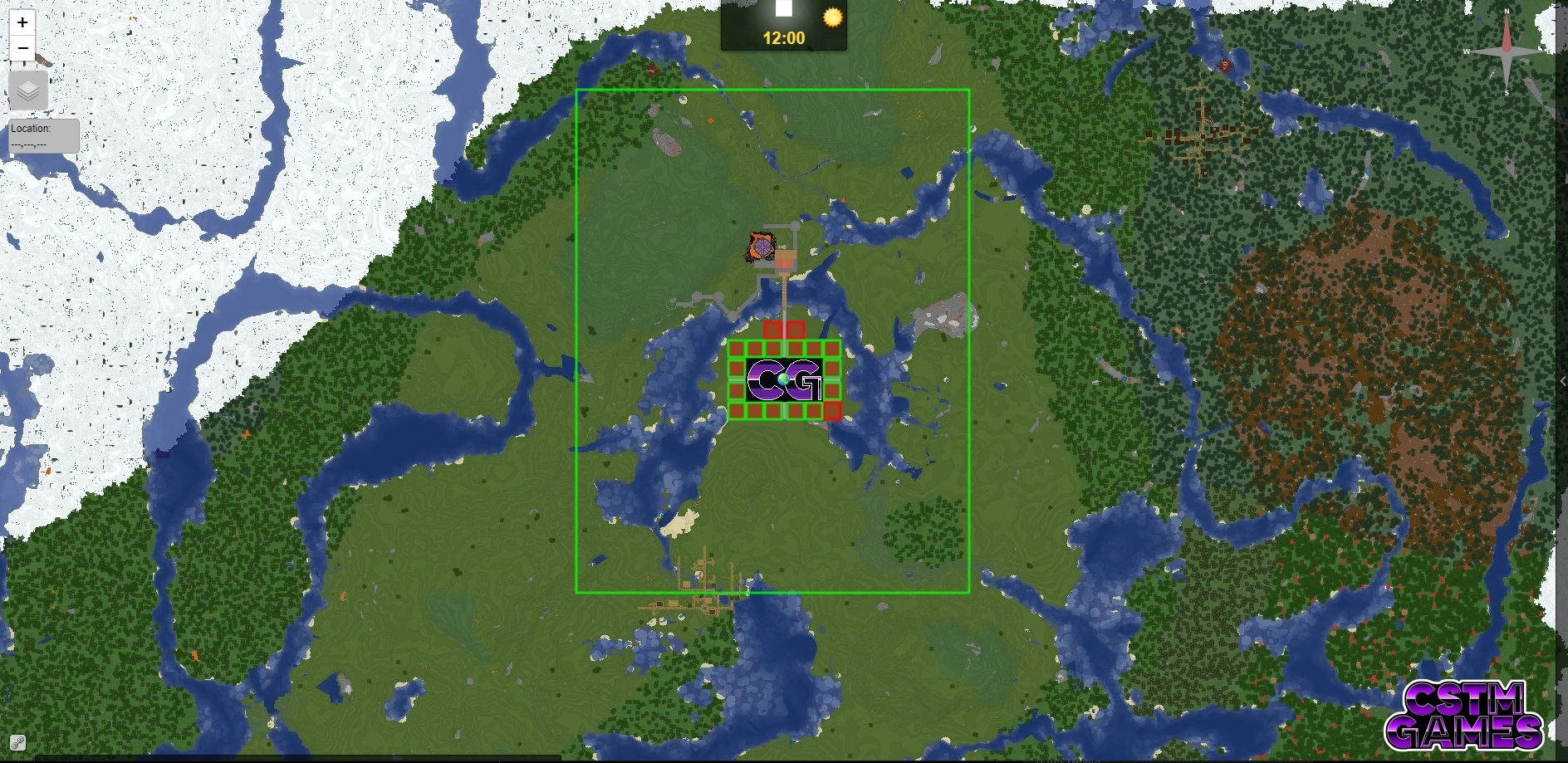
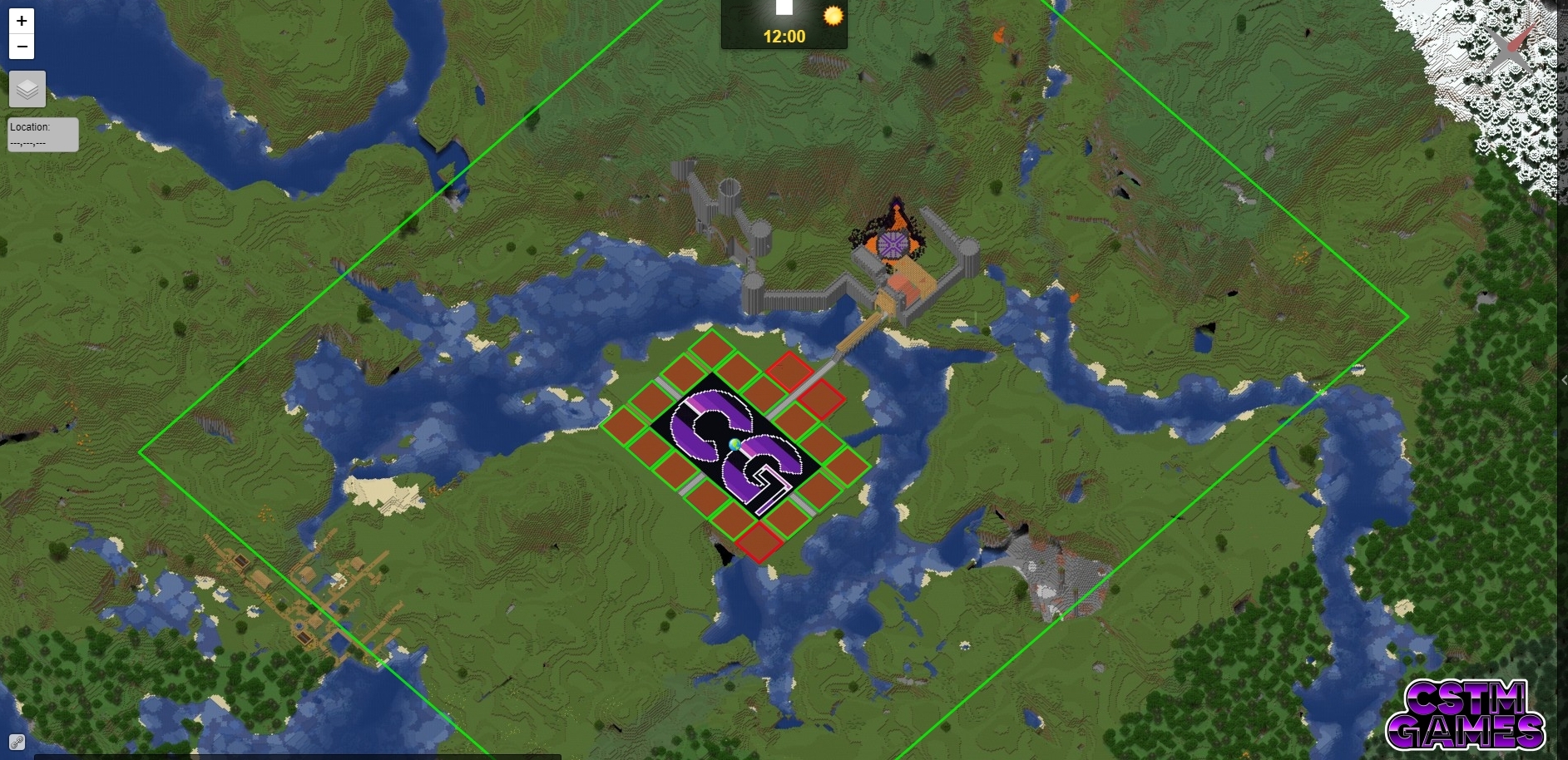
Our server has a map where you can view the worlds from above and also slightly from the side. To access the server map, simply point your web browser to https://mc.cstm.games/. From this map, you can scout out potential new base areas, see your build from a better angle, or just plain explore! The map also has access to the End and Survival Worlds, in addition to the default view of the Creative world!
|
|
¶ Creative World
On our server, we come equipped with a large and varied creative world for you to plan and build to your heart's content. The Creative world is divided into 2 global regions; the managed creative area and the unmanaged creative area. The differences are outlined below:
¶ Managed Creative Region
The managed creative region is the area closest to spawn in the creative world. It can be easily seen by viewing the map here. This region is defined as the area inside of the large green-bordered box around spawn. Building inside of the managed region of spawn is restricted to one of the pre-defined “plots”. These plots are 20 x 150 x 20 and are yours to do with as you please. You are allotted 1 plot in the managed region, You are also able to have your friends build with you in your plot using the commands of the plot management plugin (ARM) that handles the plot spaces.
¶ Unmanaged Creative Region
The area outside the green box border on the map is the Unmanaged Creative Region. Building in the unmanaged region is not restricted by size, so you are free to build to your heart's content, just be mindful of others and your surroundings is all that we ask. :)
¶ ARM (Automated Region Management)
ARM is our region management system for the Managed Creative Region. It is a very helpful tool that allows us to give you control over your plot. ARM contains a helpful set of tools that will enable you to have full say in what happens in your plot.
¶ Claiming Your Plot
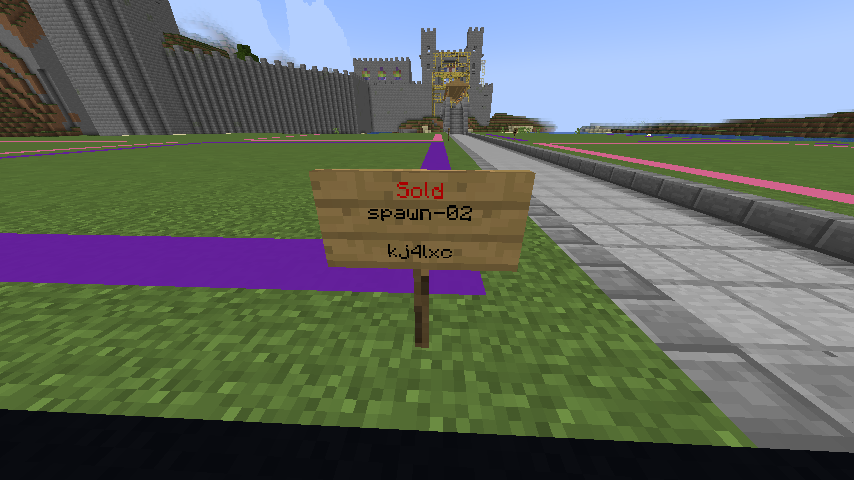
Claiming your plot is simple. First, you need to pick out the plot that you would like from the selection of available plots using either the signs located at the corners of the plots or by finding an available plot using the server map. Available plots are designated by a green border.
Once you have selected your plot of choice simply do one of the following:
- Right-clicking the sign at the corner of the lot.
- Stand in the selected plot and use the command
/arm buy
Once your plot is successfully claimed, you will be teleported to the center of it. The sign at the corner of the plot will update to “Sold” and display your name.
¶ Plot Management
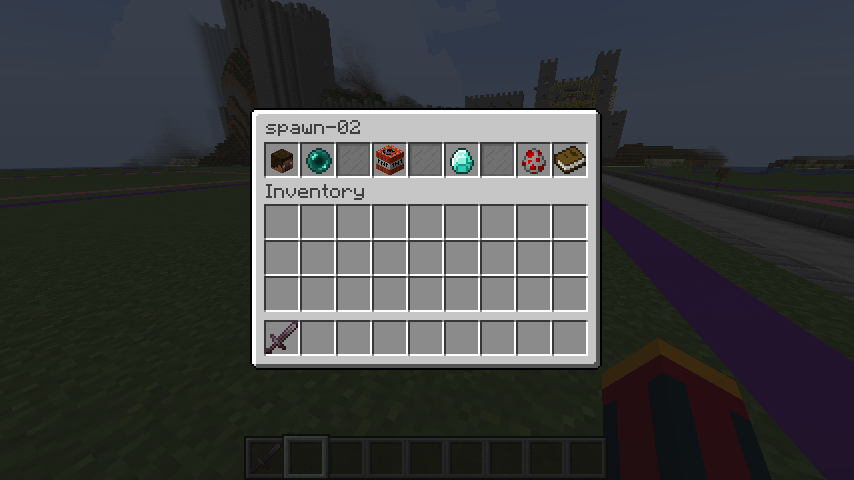
Plot management is easy and straightforward. You can manage your plot using either commands or the built-in GUI. To open the GUI simply run the command /arm gui spawn-## replacing ## with your plot number including the preceding 0 if there is one (01, 02, 03, etc…) If you choose to use commands instead, they are listed below with their descriptions.
| Command | Description |
| /arm addmember (username) | Adds member to the plot and assigns them building permissions inside of the plot. Note: User being added MUST be online or the command will fail. |
| /arm removemember (username) | Removes listed member from the plot and revokes their right to build inside of the plot. |
| /arm info | Shows information about the plot, listing members and other fun tidbits about the plot. When this command is run, purple particle effects will also be emitted along the boundaries of the plot. This is useful in seeing the full extent of your building area. |
| /arm sellback | Restores your plot to its original state and returns you your credit for the plot, this will allow you to get a new plot in the future if you so choose. (WARNING: This function will DELETE EVERYTHING in your plot and return it to the way it was when you registered the plot as yours) |
¶ Survival World
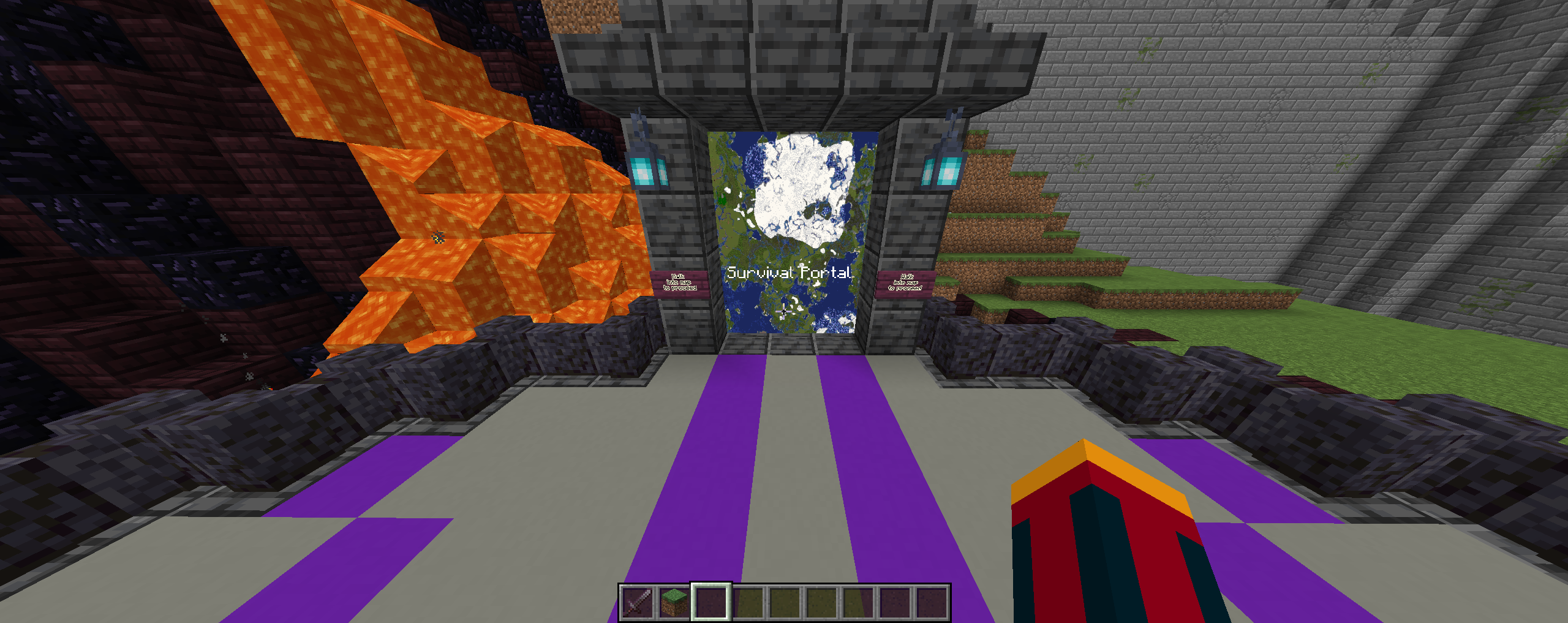
If you tire of building without the fun, then the survival world is for you! To get to the survival world for the first time, all you have to do is venture through the castle to the gateway concourse hovering above the lava pit on the castle grounds. Simply walk through the portal labeled “Survival Portal” and poof you will find yourself in a random location in the survival world. There are a few commands to familiarize yourself with to make your life in survival more bearable listed below.
¶ Useful Commands
| Command | Description |
| /sethome (homename) | Allows you to set a personal “warp” of sorts. You are allotted 3 of these homes. |
| /delhome (homename) | Deletes the home that you named in the command. |
| /home (homename) | Teleport to the home location listed in the command. |
| /homes | Lists the home names that you have saved. |
| /spawn | Teleports you to the spawn of the server. (Center of Creative World) |
| /tpa (playername) | Requests to teleport to the player that you provided the command. |
| /tpaccept | If someone requests to teleport to you using the /tpa command, this accepts their request and initiates the teleport. |
| /tpdeny | If someone requests to teleport to you using the /tpa command, this denies their request and cancels the teleport. |
| /warps | Lists the server-wide warps that you can teleport to. |
| /warp (warpname) | Teleports you to the warp name listed in the command. |